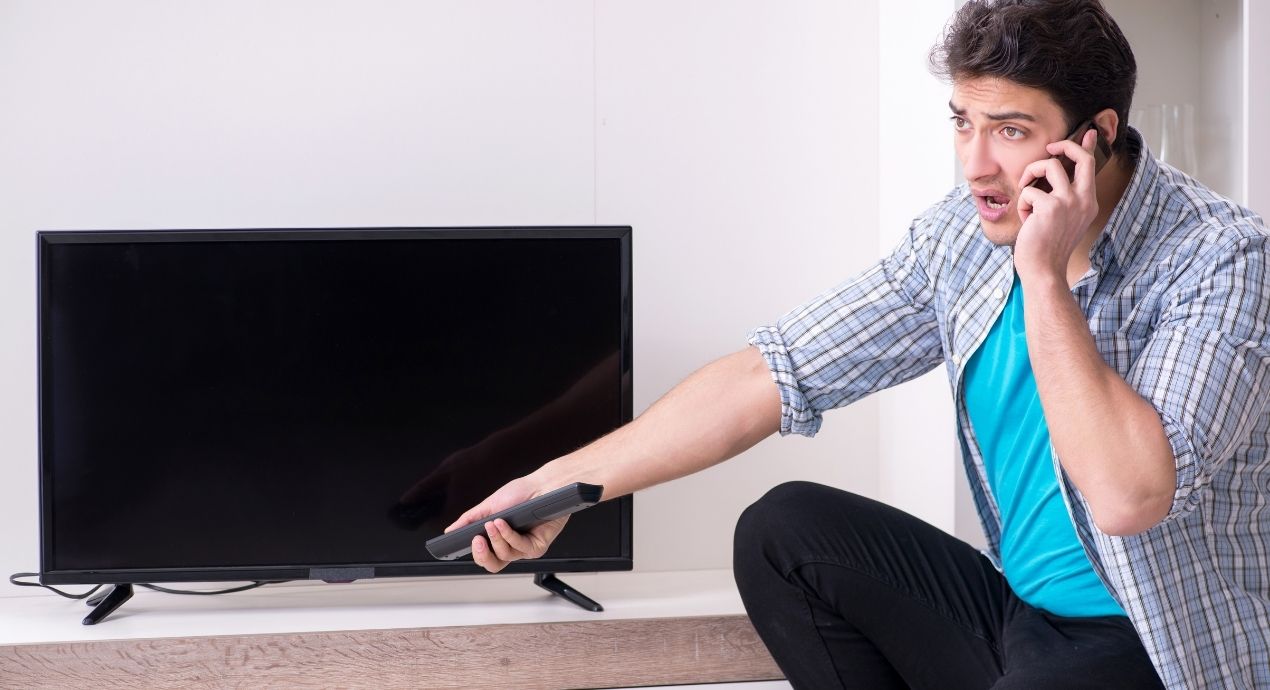
After many years of repairing televisions in Gurgaon, the faults we encounter follow recognisable patterns. Some are straightforward and inexpensive to fix; others are more involved. Understanding what a symptom usually indicates helps customers make informed decisions about repair vs. replacement.
This article covers the most common problems we see, what typically causes them, and an honest assessment of repairability. It is not a substitute for professional diagnosis — the same symptom can have multiple causes — but it provides a useful starting point.
1. Black Screen (No Image)
A completely black screen is one of the most common reasons customers bring their TV to us. The cause depends significantly on whether audio is still present.
Black Screen With Audio Present
If the TV plays sound normally but the screen is black, the fault almost always involves the backlight system rather than the main electronics. On LED TVs, this typically means one of the following:
- Failed LED backlight strips — individual LEDs or entire rows have failed
- Failed backlight driver circuit on the power board
- T-CON board fault causing no signal reaching the panel
A useful test: in a darkened room, shine a torch at the screen at an angle. If you can faintly see images, the backlight has failed but the panel and electronics are working correctly. This confirms a backlight repair rather than a panel replacement.
This category of fault is generally repairable at reasonable cost and does not require panel replacement.
Black Screen With No Audio
If the TV appears completely non-functional — no picture, no sound, and no response to the remote — the fault is most likely in the power supply or main board. The TV may not be reaching its operating state at all.
- Power supply board failure (capacitors, MOSFETs, or fuses)
- Main board fault preventing the TV from completing its startup sequence
- Standby circuit issue
Check first: is the standby LED lit? If there is any indicator light, the TV is receiving power. If there is no light at all, check the power cable, socket, and fuse in the plug.
2. HDMI Issues
HDMI-related faults are among the most frequently misdiagnosed at home. Customers often assume the TV is faulty when the issue is the cable or the connected device.
No Signal on HDMI Input
Before concluding the TV's HDMI port is faulty, run through this checklist:
- Try a different HDMI cable — cables fail more often than ports
- Try a different HDMI port on the TV if there are multiple
- Verify the connected device is outputting on the correct HDMI port
- Restart both the TV and the connected device
- Check that the TV's input source is set to the correct HDMI number
If the fault persists across all ports with multiple cables and devices, the TV's HDMI controller circuitry on the main board may have failed. This is repairable, though it typically involves component-level main board work.
HDMI Port Physical Damage
A port with bent or broken pins — usually caused by inserting a connector at an angle or excessive force — can sometimes be repaired if the damage is limited to the connector rather than the board-level solder joint. We assess this on a case-by-case basis.
3. Sound Problems
Audio faults divide into two main categories: no sound at all, and distorted or intermittent sound.
No Sound
First verify the obvious: check the volume level, mute status, and audio output settings in the TV menu. On Smart TVs that support HDMI ARC or optical audio output to a soundbar, a settings conflict can cause the TV's built-in speakers to produce no sound.
If settings are correct and there is genuinely no audio output, the fault is likely in the audio amplifier IC on the main board or in the speaker connections. Speaker failures are less common in TVs than in other audio equipment, but speaker voice coil damage can occur over time.
Distorted or Crackling Sound
Distorted audio that worsens with volume level often indicates a failing audio amplifier IC. Crackling that is present even at low volume may indicate a loose speaker connection or a connector that has partially separated from the main board. Both are repairable faults.
4. Screen Flickering
Screen flickering — whether constant or intermittent — has several possible causes depending on its character:
- Flickering on all sources: Usually a TV hardware fault — T-CON board instability, loose panel cable, or power board voltage fluctuation
- Flickering on a specific input only: More likely the source device or cable rather than the TV itself
- Flickering that appears only when the TV is warm: A thermal fault — component that is marginal and fails under heat stress
- Brief flickering at startup: Often normal during the TV's initial panel calibration sequence
Intermittent flickering that worsens over time is worth investigating promptly. A T-CON board that is beginning to fail will often produce increasingly severe symptoms — waiting until complete failure makes diagnosis harder and may result in secondary damage.
5. Panel Defects: Lines and Patches
Visible lines or patches on the screen are typically panel-level or T-CON board faults:
- Single vertical or horizontal line, thin: Often a T-CON board output channel failure — repairable
- Multiple lines on one side of the screen: May be a gate driver failure on the panel or a ribbon cable fault
- Bright or dark patches: Local backlight variation (LED clusters failing) or panel delamination
- Black patches after physical impact: Panel damage — not repairable without panel replacement
The key distinction for customers is whether the fault is in the T-CON board (typically repairable at moderate cost) or the panel itself (requiring panel replacement, which is significantly more expensive).
6. TV Turning Off by Itself
Unexpected shutdown is one of the more frustrating faults as it often happens intermittently and is difficult to reproduce consistently. Common causes:
- Failing capacitors on the power board causing output voltage instability
- Overheating protection circuit activating due to blocked ventilation or thermal paste degradation
- Sleep timer or auto-off settings in the TV software (check settings before assuming hardware fault)
- Failing main board causing random resets
7. Remote Control Not Working
Most remote issues are the remote itself rather than the TV. Test this by using the TV's physical buttons (usually on the underside or side of the set). If the TV responds to the physical buttons but not the remote, the issue is the remote.
Leaked batteries are a common cause of remote failure and can damage the remote's circuit board. If you find leaked battery residue, the remote may need replacement rather than cleaning. Universal remotes are a practical solution and work well with most televisions.
If the TV does not respond to the physical buttons either, the IR receiver on the main board or the main board itself may have failed.
A Note on Repair vs. Replacement
Most of the faults described above — backlight failure, capacitor replacement, T-CON board, HDMI repair — are economically repairable on televisions of reasonable age and value. The main exception is cracked or physically damaged panels, where replacement cost often makes repair uneconomical.
If you're uncertain, the most useful step is to get a proper diagnosis with a clear written quote. At that point the repair cost is known, and you can make a straightforward comparison against the cost of a replacement television with similar specifications.
We're available for inspection and diagnosis in Gurgaon. Written quotes provided before any work begins.